
If your IPTV streams buffer or get blocked, a fast VPN can fix it. The Best Vpn For Iptv keeps streams quick, private, and steady, even in 4K. NordVPN leads our picks for IPTV thanks to NordLynx speed and reliable performance.
This guide compares leading choices, checks privacy, security, latency and throughput, and gives simple setup steps for Android TV, routers, Windows and Mac. Use it to pick a VPN that makes live TV smooth and stress free.
Table of Contents
Why Do IPTV Users Need a VPN?
A VPN, short for Virtual Private Network, wraps your internet traffic in encryption. That stops snoops, blocks ISP throttling, and helps you access more channels with fewer issues.
How does a VPN protect your privacy and hide digital footprints?
VPN encryption scrambles your data so your Internet Service Provider cannot read it. It also hides your IP address, which masks your digital footprint from websites and trackers. With a strict no-logs policy, the provider does not store your online activity.
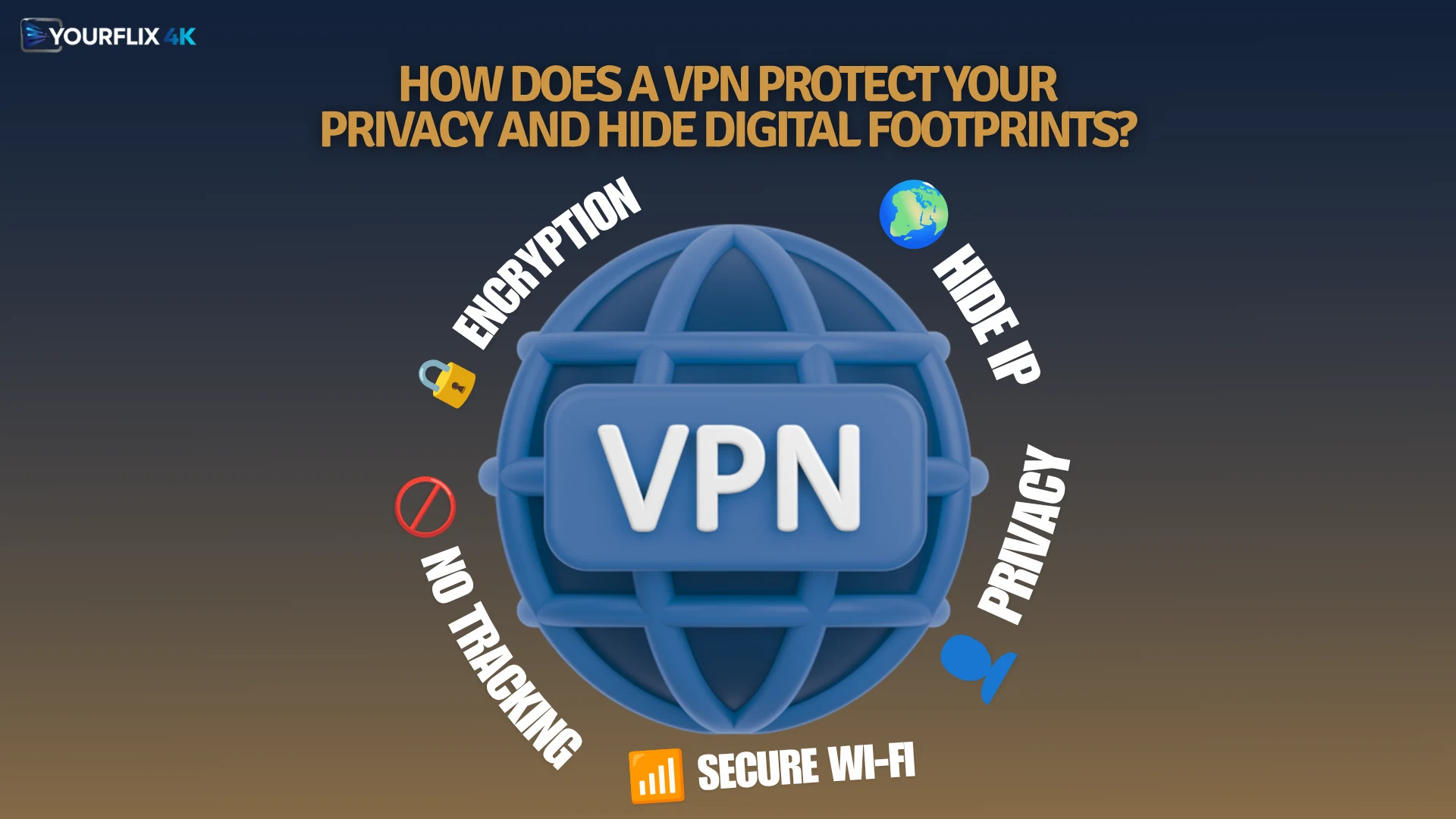
This matters on public Wi‑Fi, where attackers can lurk. Strong encryption and secure servers add a layer of stream security and access control, so apps cannot link activity to your home IP. If you use a smart router, you can route every device through the VPN to keep the whole network private.
Can a VPN bypass ISP throttling and geo-restrictions?
ISPs sometimes slow video traffic, which causes buffering during IPTV streaming. A VPN hides that traffic, so throttling tools cannot target your streams. The result is more consistent speed and fewer stalls.
Hide your IP, watch more channels.
By connecting through a server in another country, you can avoid geographic restrictions set by services or local networks. This helps you access international IPTV channels that may be blocked in your area. A secure connection also offers protection against censorship and common proxy detection tools.
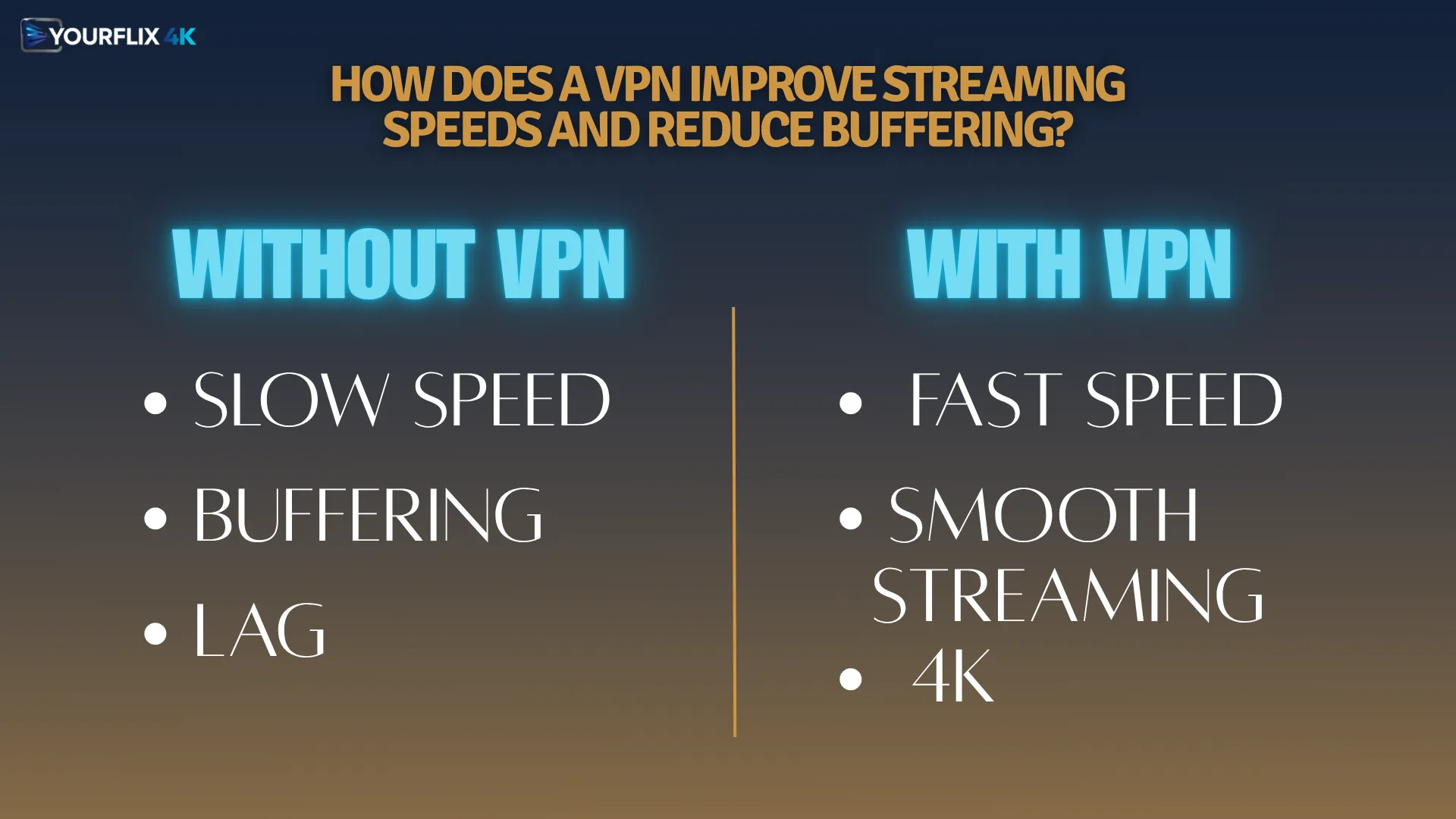
How does a VPN improve streaming speeds and reduce buffering?
Once throttling and geoblocking are out of the way, streams often run faster and with less lag. NordVPN’s NordLynx and ExpressVPN’s Lightway protocols cut latency and boost performance for live channels and 4K video. Dedicated apps for popular streaming devices add stability and better device compatibility.
Surfshark supports unlimited simultaneous connections, which is handy for busy homes. Its split tunnelling feature lets you send only IPTV apps through the VPN, keeping local traffic off the tunnel. Strong encryption and a no-logs policy protect privacy while you keep high streaming quality.
What Are the Top 4 VPNs for IPTV Streaming?
These services stand out for speed, privacy, and security. Compare them to find the Best Vpn For Iptv for your setup, then match a nearby server to cut latency.
NordVPN: Best Overall for IPTV Reliability
NordVPN is a top pick for IPTV streaming because it stays fast and stable. M3U playlists and EPG data load quickly, and live sports keep pace without stutter. The NordLynx protocol lowers delay and holds steady 4K performance during peak times.
Threat Protection blocks ads and harmful links that could interrupt streams. One account supports up to 10 simultaneous connections, so the family can watch on different devices at once.
What are the key features of NordVPN like NordLynx and Threat Protection?
Expect low latency, strong privacy, and smooth playback across platforms.
- NordLynx, a WireGuard-based protocol, focuses on speed and low delay for live IPTV channels. It helps prevent buffering and supports 4K streams without slowdowns.
- Threat Protection blocks intrusive ads and risky links, cutting interruptions and reducing exposure to malware during streaming.
- Up to 10 simultaneous connections let several devices stream at the same time on a single plan.
- A strict no-logs policy means no browsing or streaming records are kept on company servers.
- High speeds support reliable 4K playback, keeping live sports and high bitrate content smooth.
- Fast protocols are prioritised for live channels, which helps during busy evening hours.
What are the pros and cons of using NordVPN for IPTV?
Here is a quick view of strengths and trade-offs for IPTV use.
| Pros | Cons |
|---|---|
| Often rated the best choice for IPTV services. Loads M3U playlists and EPG data with excellent speed. NordLynx gives low-latency streaming, great for live sports. Threat Protection blocks ads and harmful links. Supports up to 10 simultaneous connections per account. Handles demanding 4K content reliably. No-logs policy protects user privacy. | No specific cons were mentioned. |
Surfshark: Best Budget Option with Unlimited Connections
Surfshark is a smart budget pick for IPTV streaming. One plan covers unlimited devices, including phones, tablets, smart TVs, and streaming sticks. Its split tunnelling feature can route only your IPTV app through the VPN, which keeps local services reachable.

Streams stay private thanks to strong encryption and a no-logs policy. Watch for seasonal deals to reduce costs even more.
Which features does Surfshark offer such as split tunnelling and multi-device support?
These features help you balance speed, privacy, and control across your home.
- Unlimited simultaneous connections protect every device with one subscription, from Android TV and Amazon Fire Stick to laptops and mobiles.
- Split tunnelling sends selected apps through the VPN, leaving others on the normal network to save speed and reduce buffering.
- Wide device support gives quick setup on major platforms and streaming boxes.
- No-logs policy keeps your streaming history private and supports online privacy in case of legal requests.
- Strong encryption secures traffic on public Wi‑Fi and helps bypass ISP throttling and regional blocks.
What are the advantages and disadvantages of Surfshark for IPTV?
Consider these points if you want value and flexibility.
| Advantages | Disadvantages |
|---|---|
| Great price for IPTV streaming. Unlimited simultaneous connections on one plan. Split tunnelling routes only IPTV apps through the VPN. Strict no-logs policy for privacy. Fast speeds for steady live TV. Cost-effective way to cover many devices and TVs. Often appears alongside NordVPN and ExpressVPN in top picks. Frequent promotions can lower the subscription price. | No native app for some older set-top boxes. May need router setup to protect every TV. Split tunnelling needs correct per-app settings. Unlimited devices mean you should keep account security strong. Access rules can vary by region. |
ExpressVPN: Best for Live Sports Streaming
ExpressVPN’s Lightway protocol trims latency and speeds up server connections for live sports. That means quick channel starts and fewer delays during big matches. It also helps bypass ISP throttling during major events.
The network spans many countries, which is handy for international sports feeds. Accounts allow up to 8 simultaneous connections. Pricing is higher than many rivals, but performance suits serious sports fans.
What makes ExpressVPN’s Lightway protocol and fast servers ideal for IPTV?
Lightway focuses on fast handshakes and low latency, which suits live channels. These speeds reduce lag and keep streams stable. With up to 8 connections, you can watch on several devices at once.
ExpressVPN maintains a no-logs policy to protect privacy. During high demand events, it helps avoid throttling so live TV stays smooth.
What are the pros and cons of ExpressVPN for streaming live sports?
Here is a simple breakdown before you choose.
| Pros | Cons |
|---|---|
| Widely recommended for IPTV and international sports coverage. Lightway delivers low latency and quick server connections. High speeds support uninterrupted live TV. Apps support Android TV and Amazon Fire Stick. Eight simultaneous connections per account. Helps defeat ISP throttling during major events. No-logs policy for privacy protection. | Costs more than many other VPN options. |
CyberGhost
CyberGhost is not listed among the leading IPTV picks above, but it still offers strong privacy and security features. Many users rely on it for unblocking, steady HD streaming, and wider content access.
It can help bypass geoblocks and improve bandwidth use across several streams. If you already have a subscription, it remains a valid option to test with your favourite IPTV apps.
How Can You Set Up a VPN for IPTV?
You can protect IPTV streaming on a single device or across your whole home. The steps below cover quick installs and advanced router setups that improve connection stability and reduce latency.
How do you set up a VPN on Android TV boxes?
Installing the app is the fastest route. Follow these steps, then test a live channel.
- Install your VPN app from Google Play, sign in, and allow permissions so it can manage network access.
- Enable the kill switch, then pick a nearby server to reduce buffering and improve speed, especially on shared networks.
- If you prefer network-wide cover, set the VPN on your router with the correct credentials and configuration.
- Open the VPN app on the Android TV box, choose a fast server, and confirm your IPTV apps can load channels.
- Import an OpenVPN or WireGuard profile if needed, then test a live stream and check the app shows an active encrypted session.
- If problems appear, switch servers, clear the DNS cache, reboot the box, and share any error codes with support.
What is the process for router-level VPN configuration?
Router setups protect every device, including TVs and sticks that lack native apps. They take longer, but they deliver always-on encryption for live TV.
- Choose a router that supports DD‑WRT, OpenWrt, or a native OpenVPN or WireGuard client. Check that the processor can handle your target bandwidth.
- Download configuration files and credentials from your VPN provider. Keep them in a secure folder for uploads.
- Back up your current router settings, then update to the latest stable firmware to improve security and reliability.
- Install the VPN client from the router interface or by flashing firmware. Import the config files, set IP options, and enable strong ciphers.
- Add firewall rules, turn on DNS leak protection, and disable IPv6 if your VPN does not support it. Add port forwarding for IPTV boxes if needed.
- Test with your IPTV app and run speed checks to spot any bottlenecks. If logs show No Data, contact support and verify protocol and DNS settings.
- Schedule firmware updates and periodic reboots to keep the router secure and streaming stable.
How do you configure a VPN on Windows and Mac devices?
Desktop apps are straightforward and give you more control. Use these steps to secure IPTV streaming on computers.
- On Windows, download the VPN installer, sign in, enable the kill switch, and choose OpenVPN or IKEv2 for strong encryption.
- Select a nearby server to reduce latency and avoid ISP shaping. Test a live channel and watch for buffering.
- On Mac, install the provider’s app. Grant VPN permissions in System Settings under Network, then choose IKEv2 or another secure protocol.
- For manual setup, add a VPN profile, enter the server address, protocol, and login details. Allow the app through your firewall.
- For full-home cover, configure a compatible router with your VPN credentials and route IPTV traffic through it.
- Keep auto-connect and the kill switch on to prevent leaks. Update the app often to maintain security and performance.
Conclusion
Pick a VPN that raises speed and cuts latency for smooth live TV. NordVPN, Surfshark, and ExpressVPN deliver strong security, strict no-logs policies, and fast servers that keep IPTV streaming steady. Use split tunnelling where helpful, and connect to nearby servers to reduce buffering and protect privacy.
This guide should help you choose the Best Vpn For Iptv for secure, high-performance viewing at home. Check local laws on IPTV and geoblocking in your country, as rules vary. VPNs improve online privacy, but you are responsible for how you use them.