
Streams that buffer and playlists that fail to load are frustrating. If you want the best IPTV player for Windows, the right IPTV app can make your setup smooth and simple.
This guide compares top Windows IPTV players. You will see which free and friendly apps work best, and how to use M3U playlists, EPG channel guides, and Live TV features.
Key Features of IPTV Players for Windows
Key features shape how you watch IPTV and Live TV on Windows. They affect streaming quality, EPG clarity, and how stable each media player feels in daily use.
What is M3U/M3U8 playlist support and why is it important?
An M3U or M3U8 playlist is a simple text file that lists channels and stream links. When an IPTV player supports these formats, it can load your channel list and start video playback without extra steps. That support turns a basic media player into a handy IPTV hub with clean channel organisation.
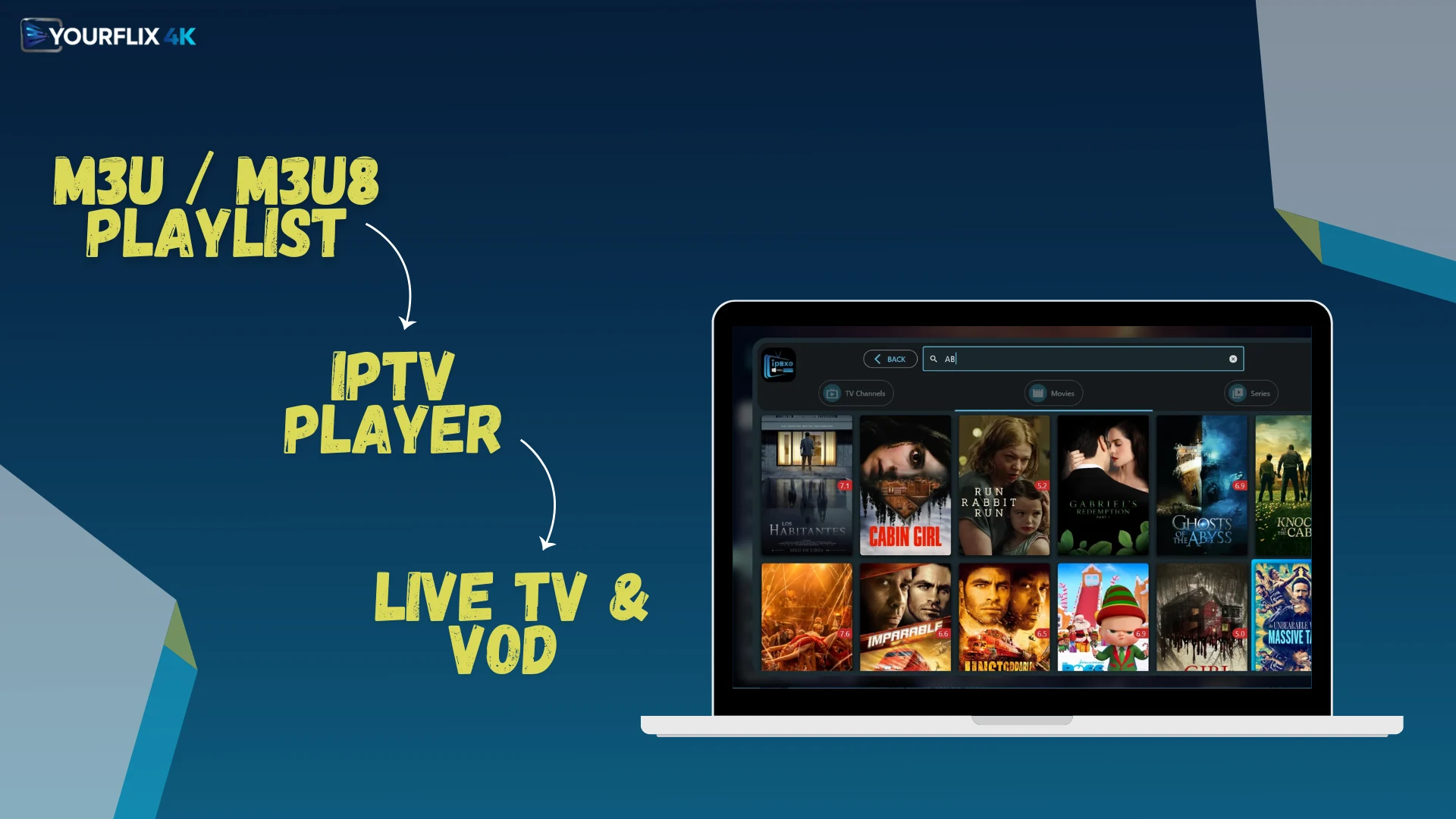
Apps like IPEXO IPTV Player and Smarters IPTV Pro handle M3U and M3U8 well. VLC Media Player also opens M3U files quickly, so it is useful for quick tests. To use any IPTV player, you must supply your own M3U playlist or Xtream Codes from an IPTV service provider. Without that, the app has nothing to stream.
What are multi-screen and Picture-in-Picture (PIP) options?
Multi-screen mode shows more than one channel at once in a split layout. Picture-in-Picture, or PIP, places a small video window over the main one, so you can keep an eye on a second stream.
These features add flexibility for sports, news, or events that overlap. Smarters IPTV Pro is popular for its split-screen controls and smooth playback. Many Windows IPTV players also let you change layouts and fine-tune performance for a better viewing experience.
Which IPTV Player is the Best Overall for Windows?
For everyday use on Windows, IPEXO is a strong all-round pick. It balances easy setup, playlist support, and steady playback, which matters if you stream often.
| Player | Why it stands out | Key facts |
|---|---|---|
| IPEXO IPTV Player | Supports M3U and M3U8 playlists, plus XC and XUI portals. Includes parental controls and neat VOD sorting for quicker browsing. | Requires a user-supplied M3U playlist or Xtream Codes. Best practice is to download from trusted stores like the Microsoft Store. |
| Smarters IPTV Pro | User-friendly interface with clear menus and fast access to channels. Offers multi-screen viewing with tuned performance that reduces lag. | Great for smooth playback and simple navigation. Still needs your own M3U playlist or Xtream Codes. |
| IPTVnator | Open-source and lightweight, so it runs well on modest PCs. Includes EPG support and avoids any subscription lock-in. | Strong free option for M3U playback. Get it from trusted project pages or app stores. |
| VLC Media Player | Loads M3U files with ease for quick stream checks. Missing many advanced IPTV features found in dedicated apps. | Useful for simple playback tests and troubleshooting. Still requires an M3U playlist or codes from your provider. |
| General notes | The best IPTV players for Windows deliver reliable streaming and smooth menus. All recommended players need a valid M3U playlist or Xtream Codes supplied by you. | You can download these apps from reputable sources like the Microsoft Store. TechVibes published the video “Top 10 PC IPTV Players | Windows Streaming Apps” for visual guidance. |
Which Free IPTV Player is Best for Windows?
Several free players handle playlists well without heavy system load. These options work for testing streams or building a daily setup.
| Player | Why it stands out | Key free features | Notes |
|---|---|---|---|
| IPTVnator | Open-source and lightweight with quick start-up times. Built-in support for M3U playlists. EPG support helps you browse channel guides with ease. No subscription lock-ins or hidden limits. | Loads M3U lists with minimal overhead. Displays Electronic Programme Guide data clearly. | Good choice if you want a free, clean M3U player. |
| VLC Media Player | Free and open-source with decades of steady updates. Many users rely on VLC for stable playback during testing. | Use Media, Open Network Stream to load M3U files. Wide codec support often reduces stutters and errors. | Best when you want a familiar, no-cost player. |
| Honourable mentions | Smarters IPTV Pro offers a clear layout for fast channel access. Multi-screen viewing includes Picture-in-Picture options. Engine tweaks help cut lag on busy streams. The Microsoft Store hosts IPEXO IPTV Player. | Supports smooth multi-view setups with responsive controls. Reviewers rate that app highly for ease of use. Accepts XC and XUI portals plus M3U and M3U8 lists. | Smarters and IPEXO add polished UI touches and handy sorting tools. Check store pages for current price and availability. |
| Usage notes | You must supply an active M3U playlist or Xtream Codes. Recommended apps aim for reliable stream playback and smooth UI navigation. Parental controls and simple VOD sorting appear in many players. Watch the TechVibes video Top 10 PC IPTV Players | Windows Streaming Apps for visual guidance on channel management. | ||
Which IPTV Player is the Most User-Friendly for Windows?
If you value clean menus and quick setup, these apps make IPTV on Windows feel simple.
| Player | Why user-friendly | Key features | Notes |
|---|---|---|---|
| IPEXO IPTV Player | Ranks high for ease of use with tidy menus and clear labels. | On the Microsoft Store. Supports M3U and M3U8 files. Works with XC and XUI portals. | Includes EPG support and steady stream playback for Live TV. |
| Smarters IPTV Pro | Feels familiar, even on first use, with sensible controls. | The interface stays simple and clear. Multi-screen and Picture-in-Picture options exist. Lag reduces with optimised playback. | Helps limit buffering and improves channel control. |
| IPTVnator | Open-source, lightweight, and quick to learn. | Works well with M3U lists. EPG support makes channel browsing easy. No subscription lock-ins. | Good for users who want a free, simple M3U player. |
| VLC Media Player | Loads M3U files instantly, so setup takes seconds. | Advanced IPTV features do not exist in VLC. Many users still choose VLC for simple playback. | Lacks portal support and multi-screen features. |
| Requirements & Tips | You must supply an M3U playlist or Xtream Codes from your IPTV provider. | Smooth UI and effective channel management matter most. | TechVibes has a video titled “Top 10 PC IPTV Players | Windows Streaming Apps” for visual guidance. |
Conclusion
Choosing the Best Iptv Player For Windows comes down to steady playback, easy menus, and playlist support. IPEXO IPTV Player and Smarters IPTV Pro handle M3U playlists and XC portals well. IPTVnator and VLC Media Player offer free, lightweight options with EPG support and simple Live TV playback.
Pick the player that fits your needs and device. With the right app and a valid playlist, Windows can deliver smooth streaming and clear video every day.