
Struggling to find a reliable IPTV player for Apple TV that works with your M3U links and shows a clear EPG Electronic Program Guide? Here are the Best IPTV Players For Apple TV to consider.
Find the best app for live TV and VOD.
Note: You may need an iptv subscription.
Table of Contents
Important Features to Look for in an IPTV Player on Apple TV
Good IPTV apps for Apple TV keep the channel list tidy. They also handle EPG Electronic Program Guide data, VOD, and stable streaming for smooth television streaming.
How user-friendly is the interface and navigation?
IPTVX features a sleek, Netflix-like interface that makes browsing feel quick and familiar. UHF uses an attractive, cable-style grid that pairs well with the Siri Remote and boosts usability.
iPlayTV offers a clean EPG for easy channel management. IPTV Smarters Pro has a functional layout, though its design looks less modern than IPTVX and UHF.
All apps need an active subscription and do not come pre-loaded with channels. Treat them as media players; they read playlists and show EPG data from your provider.
Does it support M3U links and Xtream Codes?
You will need an IPTV subscription that provides M3U links (playlist files) or Xtream Codes, a login method used by many providers. These apps do not include channels, so you must use a legal service.
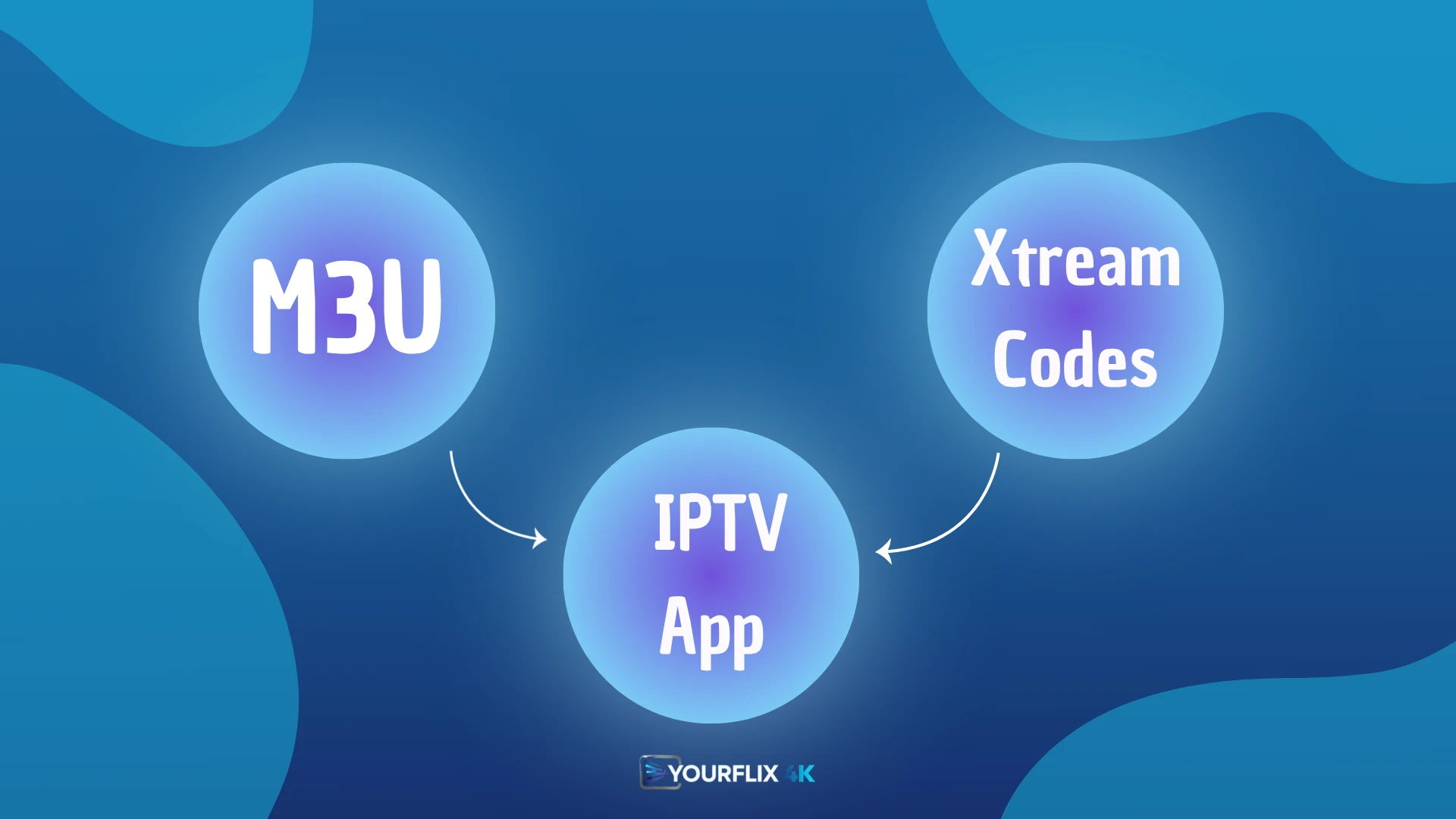
For example, IPTVX accepts M3U links. IPTV Smarters Pro and Smarters Player Lite work with Xtream Codes from compatible providers. iPlayTV supports M3U and often works with Xtream accounts. UHF focuses on an easy grid guide; check its store notes or ask your provider to confirm supported formats.
Before paying for any service, confirm the app accepts your provider’s format. Then review EPG features to judge how simple daily browsing will be.
What Electronic Program Guide (EPG) features are available?
EPG design affects how fast you find shows. IPTVX uses a modern layout and handles large EPG data well. UHF’s cable-like grid is praised for stability and simple navigation.
iPlayTV keeps the guide clean and quick to scan. IPTV Smarters Pro suits Xtream users, though the look feels older. Performance depends on both the app and your IPTV provider’s guide quality.
How reliable is the streaming quality and stability?
Streaming quality depends on your internet speed, the provider’s servers, and the app’s player. Higher resolution support helps, but stable bandwidth matters more.
Experience can change by channel and provider, so run a short test before committing to any service. Try a busy sports event to see how the stream holds up.
Check network reliability to cut buffering issues.
IPTVX
IPTVX on Apple TV supports M3U and Xtream links, offers a clear EPG, VOD support, and a simple user interface for smooth streaming; read on to learn more.
What are the main features of IPTVX?
Made for Apple TV, IPTVX brings a sleek, Netflix-like interface for fast browsing. It syncs with iCloud, so your lists carry across Apple devices. The app handles heavy EPG data well, keeping the TV guide quick and readable.
To watch content, you need a legal IPTV subscription from an independent provider. The app does not include channels. Add your M3U or Xtream details to start streaming.
The design keeps shows front and centre, and playback stays smooth on recent Apple TV models.
What are the advantages and disadvantages of IPTVX?
Moving from the main features to the pros and cons, review the key advantages and disadvantages of IPTVX.
| Advantages | Disadvantages |
|---|---|
| Polished premium user experience on Apple TV. Sleek Netflix-like interface for cleaner browsing. iCloud syncing across Apple devices for seamless access. Efficient EPG handling for large programme guides. Clean layout reduces the learning curve. | Requires an active IPTV subscription from an independent provider. No built-in channels arrive pre-loaded. Users must find their own legal IPTV provider. Setup needs extra steps, such as adding M3U or Xtream details. Other players like UHF or iPlayTV may suit users who prefer a cable-like grid or ultra-simple setup. |
iPlayTV
iPlayTV gives Apple TV a simple user interface, good EPG and VOD support, M3U and Xtream compatibility, and steady live TV streaming, read more.
What key features does iPlayTV offer?
This application is lightweight and highly optimised for Apple TV. It acts as a media player for IPTV content and supports smooth streaming, with a focus on fast performance.
Setup is easy and gets you watching quickly. The EPG is clear and simple, which helps when you have many channels. Like all IPTV apps, it contains no pre-loaded channels, so add details from your legal provider.
What are the pros and cons of iPlayTV?
iPlayTV balances ease and performance for Apple TV users.
| Pros | Cons |
|---|---|
| Lightweight and optimised for performance. Setup is easy for beginners. EPG offers a clean, straightforward view. Runs smoothly on Apple TV models. Acts as a simple, efficient media player. Often listed among the best IPTV apps for Apple TV. | Requires an active IPTV subscription from an independent provider. Does not include preloaded channels. Users must source a legal IPTV provider. Depends on provider quality for long-term stability. |
GSE Smart IPTV
GSE Smart IPTV supports M3U and Xtream links, offers EPG, VOD and catch up TV, and gives a clean user interface on Apple TV; read more.
What features define GSE Smart IPTV?
GSE Smart IPTV ranks among the well-known IPTV apps for Apple TV. It acts as a media player for streaming IPTV video content, similar to IPTVX, UHF, and iPlayTV. The interface is simple, and it supports both M3U playlists and Xtream Codes.
You must supply an active subscription from a legal IPTV service. No channels come pre-loaded, so bring your own playlist or account. Some users choose it for a feature set close to IPTV Smarters Pro and for broad device compatibility.
What are the benefits and drawbacks of GSE Smart IPTV?
After outlining the app’s features, GSE Smart IPTV’s benefits and drawbacks follow.
| Benefits | Drawbacks |
|---|---|
| Supports M3U and Xtream Codes for flexible setup. Includes EPG, VOD, and catch up TV features. Simple interface that is easy to learn. | Design looks less polished than IPTVX. User experience can feel behind UHF’s cable-like grid. Setup may feel heavier than iPlayTV’s quick start. As with all players, no pre-loaded channels are included. Stability can vary by provider and playlist quality. |
Smarters Player Lite
Smarters Player Lite loads M3U and Xtream links, offers a clear EPG, and streams live TV and VOD smoothly on Apple TV, read more.
What does Smarters Player Lite include?
The Lite app offers a simple media player interface for Apple TV. Smarters Player Lite supports streaming via M3U links and Xtream logins.
It lets you load playlists for live TV and on demand entertainment. You also get clear playback controls and a basic guide. Developers include a channel list and an Electronic Programme Guide for easier browsing.
No verified data is available on advanced settings, measured stability, or full device support across all models.
What are the positive and negative aspects of Smarters Player Lite?
Smarters Player Lite needs an active IPTV subscription, so you choose your own streaming source. It supports common formats and works with many services. Setup is straightforward and friendly for first-time users.
It does not include pre-loaded channels, so you must supply a legal IPTV source. The interface looks less modern than IPTVX and UHF. Reviews report mixed performance compared with top apps.
UHF IPTV Player
UHF IPTV Player offers fast live TV, stable streaming, EPG, VOD and catch up TV, M3U and Xtream support, plus Apple TV compatibility; read more.
Which features stand out in UHF IPTV Player?
The app shows an attractive cable-style grid layout. As a media player, UHF does not include pre-loaded channels and needs an active IPTV subscription. The guide feels like a cable box, which makes navigation familiar and quick.
Stability is strong during streaming on Apple TV. Remote control support is smooth with the standard Siri Remote for fast channel changes. Reviewers rank it among the best IPTV players for Apple TV thanks to an easy interface and steady performance.
What are the pros and cons of UHF IPTV Player?
UHF IPTV Player uses a cable-like grid that enhances user experience. The interface supports quick channel selection and smooth browsing. It works well with the Siri Remote for simple control of live channels.
An active IPTV subscription is required to use the player. You must source a legal IPTV provider because UHF has no pre-loaded channels. This reliance on external content can slow setup compared with IPTVX and iPlayTV.
Conclusion
Top IPTV players for Apple TV deliver smooth streaming and a clear user interface. IPTVX, UHF, and iPlayTV handle heavy EPG data, offer fast performance, and support easy remote control.
These media players require a legal IPTV provider with M3U links or Xtream Codes to work. For the Best IPTV Players For Apple TV, match the app to your needs for live TV streaming, VOD, and catch up TV. Test your provider first, then settle on the player that feels fastest and simplest for daily use.